What Should a Dental Clinic Website Have? A Simple Checklist
Patients check your website before they book. Here's what a dental clinic website needs: treatment pages, prices, a dentist profile, reviews, before-and-after photos and one-tap booking.
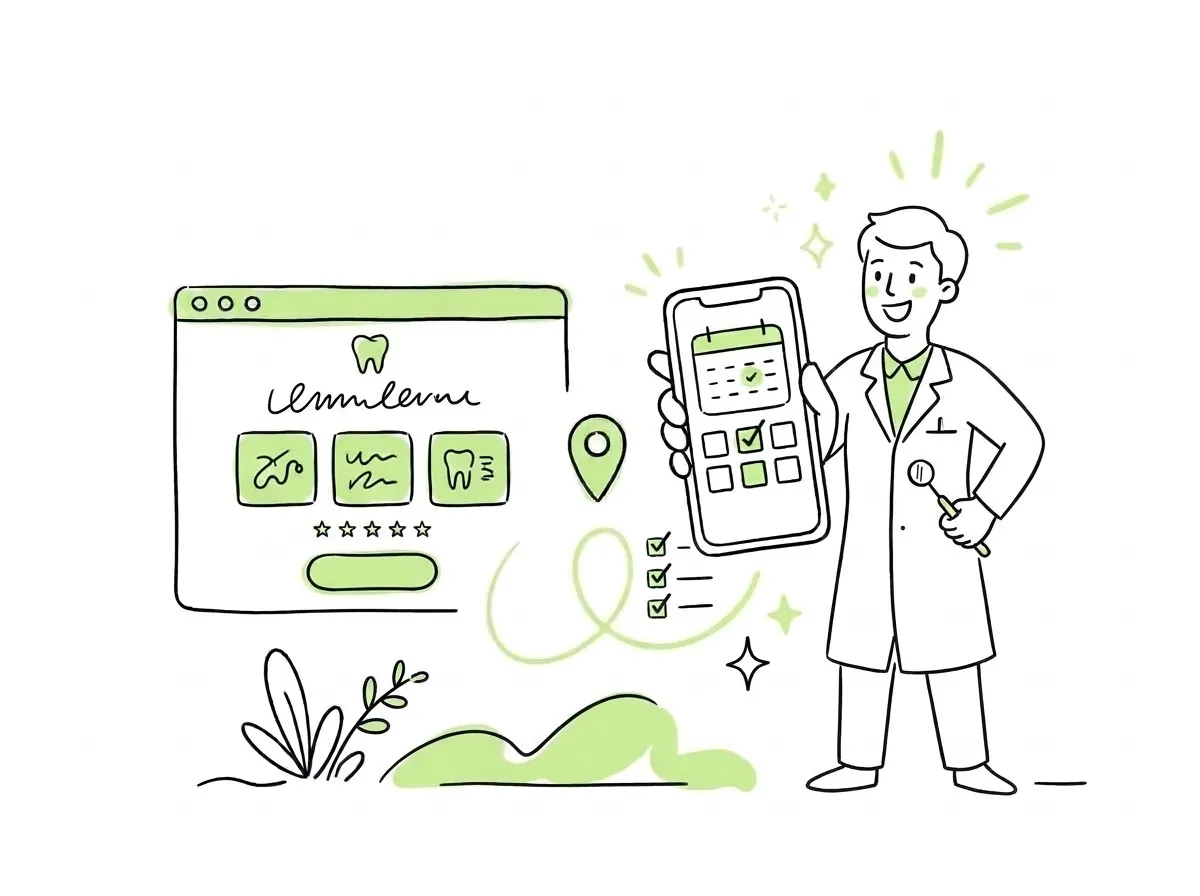
Short answer: a dental clinic website needs to answer three questions fast: what do you treat, what does it cost, and can I trust you? Then it needs to make booking easy from every page. Everything else is extra.
Here’s the checklist.
1. A clear headline about what you do and where
Your home page should say who you are in one line. “Family and cosmetic dentistry in Pune” tells a patient they’re in the right place. “Welcome to our clinic” doesn’t.
Put a Book a visit button right under it.
2. A page for each main treatment
Don’t hide everything in one long “Treatments” list. Give each high-value treatment its own page:
- Check-ups and cleaning
- Root canal treatment
- Dental implants
- Clear aligners
- Teeth whitening
- Veneers
Each page should say what the treatment is, who it’s for, how long it takes, and what it costs. Patients search for “dental implants near me”, not “dental treatments”. A dedicated page gives you a real chance of showing up for that search.
3. Prices, or at least a starting price
Cost is one of the first things patients want to know. A “from” price on each treatment (“Teeth whitening from ₹8,000”) does two jobs:
- It reassures people who can afford it, so they book.
- It saves you calls from people who can’t.
You can always add “final price after a check-up”.
4. A real dentist profile
Patients are trusting someone with their health. Show them who that is:
- A real photo, not stock
- Qualifications and registration number
- Years of experience
- Languages spoken
This one section often decides whether a nervous patient books.
5. Patient reviews
Real reviews with names (or initials) and a star rating. If you have good Google reviews, bring the best ones onto your site so patients don’t have to go looking.
6. Before-and-after photos
For cosmetic work like whitening, aligners and veneers, results sell the treatment. A small gallery of real cases (with patient consent) is more convincing than any paragraph you could write.
7. Booking that’s always one tap away
This is the part most clinic websites get wrong. A patient who’s ready to book shouldn’t have to hunt for a phone number. Add:
- A tap-to-call button
- A WhatsApp button
- A simple appointment form for people browsing at night
Keep these visible on every page, ideally in a bar that stays on screen on phones.
8. Hours, location and a map
Opening hours, address, a Google Map and parking or landmark details. Simple, but patients look for it every time.
9. Fast on a phone
Most patients will find you on their phone, often on mobile data. If your site takes five seconds to load, many will leave before they see anything. Not sure how fast yours is? Try our free speed check.
See it in a real design
We built Aster Dental, a free dental clinic website design, around this exact checklist: treatment pages with starting prices, a dentist profile, reviews, a before-and-after gallery and a booking bar with call and WhatsApp buttons.
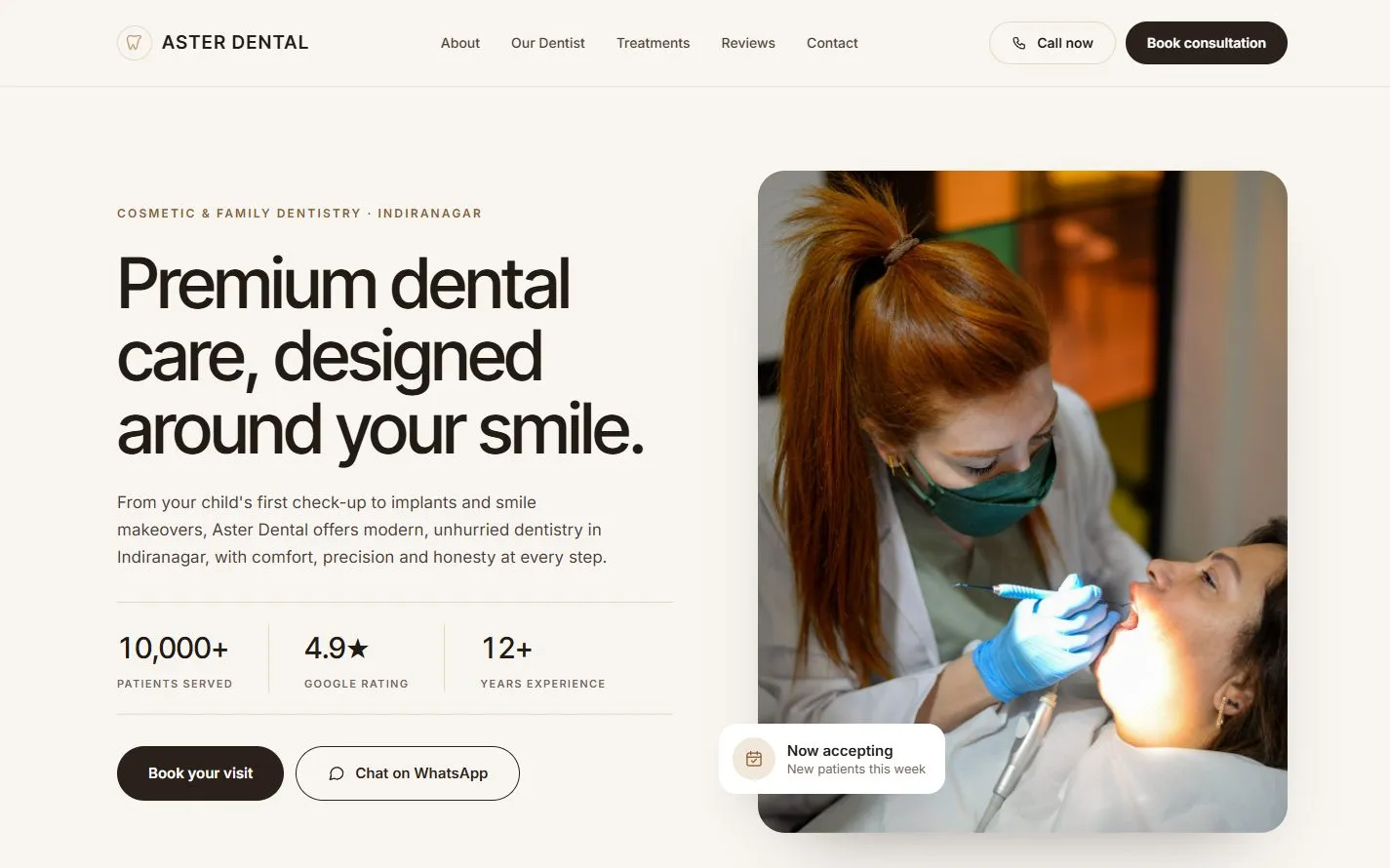
See the full Aster Dental design
Use it as inspiration, or let us set it up for you. We add your logo, treatments, prices and photos, and it’s live on your own domain in about a week, with no monthly platform fees. See how we help dental practices or get in touch.